Introduction
URL encoding is an important part of web development that helps convert unsafe characters into a format that browsers and servers can safely understand. Many beginners search for terms like “URL encoder spell mistake” when they actually mean errors in URL encoding or confusion about how encoding works. These mistakes often lead to broken links, incorrect data submission, or failed API requests.
In simple words, URL encoding ensures that special characters like spaces, symbols, and punctuation marks do not break a web address. Without proper encoding, even a small URL can stop working or produce unexpected results. That is why understanding encoding rules and avoiding common mistakes is very important for developers and users.
What Is URL Encoding?
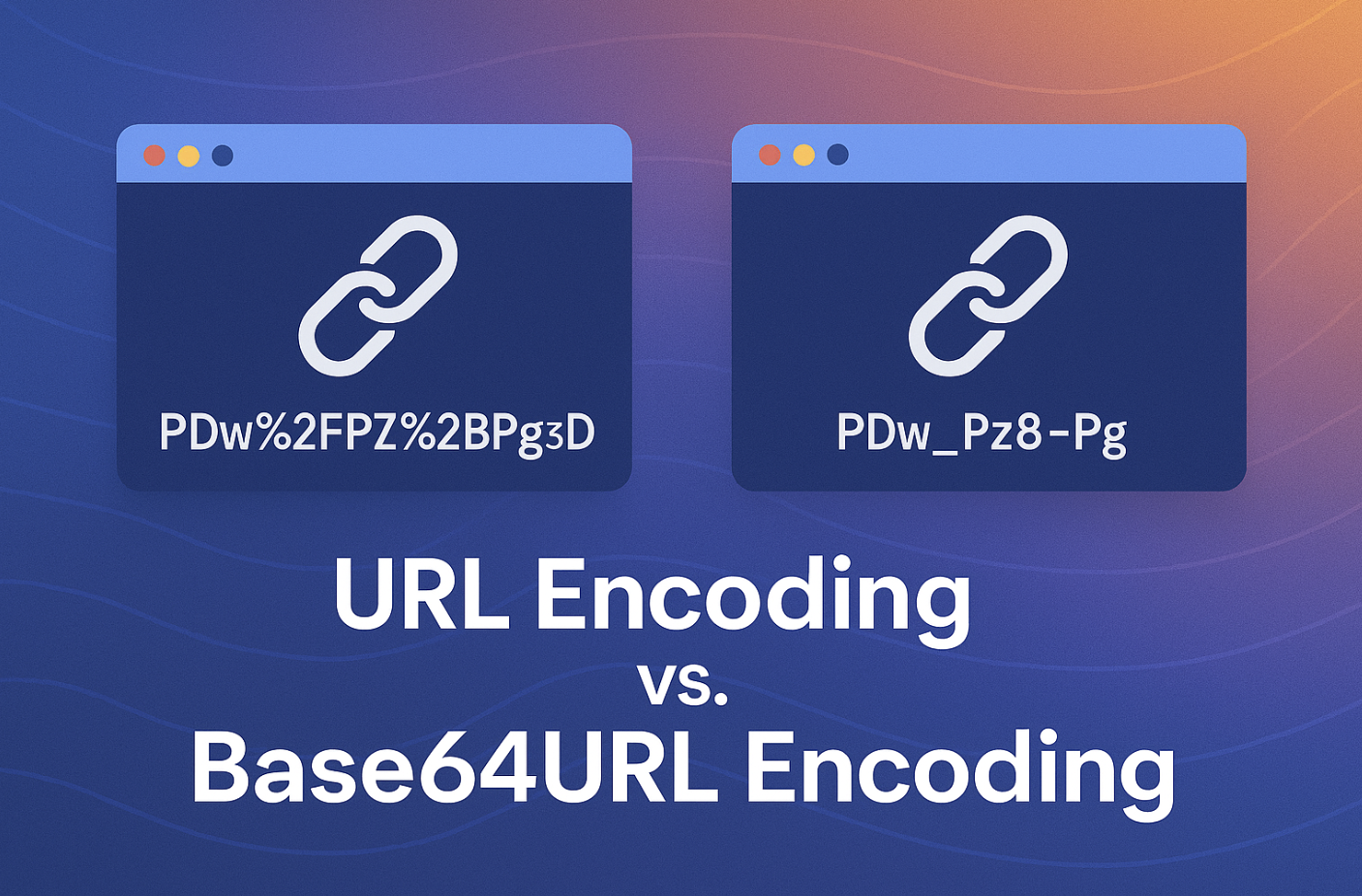
URL encoding, also known as percent-encoding, is a process that replaces special characters in a URL with a percent sign followed by numbers and letters. This allows the URL to be safely transmitted over the internet without being misinterpreted by browsers or servers.
For example, a simple space in a URL cannot be used directly, so it is converted into “%20”. Similarly, symbols like ampersand (&) or question mark (?) are also converted into encoded values so that the system understands them correctly. This process ensures smooth communication between web applications.
Why URL Encoding Is Important
URL encoding plays a major role in keeping web communication accurate and reliable. When data is sent through URLs, it must follow strict formatting rules. If special characters are not encoded, the URL may break or deliver incorrect results.
Another important reason is security and compatibility. Different browsers and servers may interpret special characters differently, so encoding standardizes the format. This helps ensure that data remains consistent across all platforms and prevents errors in APIs, websites, and forms.
What Does “URL Encoder Spell Mistake” Mean?
The phrase “URL encoder spell mistake” is not an official technical term, but it is commonly used when users make spelling errors or misunderstand URL encoding. People often type incorrect words like “url enocder” or “url encodeing” when searching for help, which leads to confusion.
In most cases, this phrase is linked to beginners who are trying to learn how URL encoding works but are not familiar with the correct terminology. It can also refer to mistakes made during encoding, such as incorrect symbols or broken URLs caused by improper formatting.
Common URL Encoding Mistakes
One of the most common mistakes is encoding the entire URL instead of only the required parts. This can completely break the structure of the link and make it unusable. Developers should only encode query parameters, not the full web address.
Another frequent issue is double encoding. This happens when already encoded text is encoded again, turning simple values into unreadable strings. For example, “%20” may become “%2520”, which causes errors in APIs and websites.
Wrong Use of Encoding Functions
Different programming languages provide specific functions for encoding URLs. For example, JavaScript has encodeURI and encodeURIComponent, and using the wrong one can lead to errors.
encodeURI is meant for full URLs, while encodeURIComponent is used for individual values like search queries. Many beginners confuse these two, resulting in incomplete or incorrect encoding that breaks functionality.
Misunderstanding Special Characters
Another common mistake is not properly encoding special characters like &, =, or #. These characters have special meanings in URLs, and if they are used without encoding, they can change how the URL is interpreted.
For example, the ampersand symbol is used to separate parameters in a URL. If it appears in actual data and is not encoded, it may split the query incorrectly and cause missing or wrong results.
Plus Sign vs %20 Confusion
Many users believe that a plus sign (+) is always equal to a space in URLs, but this is not always true. In URL encoding, “%20” is the correct representation of a space, while “+” is only used in specific form submissions.
This misunderstanding can lead to inconsistent behavior between different systems. That is why it is always safer to use proper encoding methods instead of manually inserting symbols.
Best Practices for URL Encoding
To avoid mistakes, developers should always use built-in encoding functions provided by programming languages. Manual encoding increases the chance of errors and is not recommended.
It is also important to encode only necessary parts of a URL and avoid re-encoding already encoded values. Testing URLs before using them in production is another good practice to ensure everything works correctly.
Real-World Example of URL Encoding Error
If a user searches for “best shoes & bags”, the ampersand symbol can break the URL if not encoded properly. The browser may interpret it as a separator between two different parameters.
After proper encoding, the URL becomes safe and functional, converting spaces into “%20” and the ampersand into “%26”. This ensures the search query is correctly understood by the server and returns accurate results.
Conclusion
URL encoding is a simple but very important concept in web development. Many errors occur due to misunderstanding or spelling mistakes like “URL encoder spell mistake”, but the real issue is improper encoding practices.
By learning how encoding works and avoiding common mistakes like double encoding or incorrect function usage, developers can ensure smooth and error-free communication between systems. Proper URL encoding keeps websites stable, secure, and fully functional.
FAQs
1. What is URL encoding in simple words?
URL encoding is a method of converting special characters into a safe format so that URLs can work properly in browsers and servers without breaking.
2. Why do URL encoding mistakes happen?
These mistakes usually happen due to incorrect spelling, misunderstanding encoding rules, or using wrong functions while working with URLs in programming.
3. What is double encoding in URLs?
Double encoding occurs when a URL is encoded more than once, turning simple values into incorrect and unreadable formats like %2520 instead of %20.
4. What is the difference between encodeURI and encodeURIComponent?
encodeURI is used for full URLs, while encodeURIComponent is used for encoding individual parts like query parameters or values.
5. How can I avoid URL encoding errors?
You can avoid errors by using built-in encoding functions, encoding only required parts, avoiding double encoding, and testing URLs before use.